You will have received an email from noreply@notify.console.dimensions.com with a invitation to join the Experiential Design group on Dimensions Pro.
With this account you will have access to a database of 3D models that are accurate in their dimensions. With it you can:
- import into Sketchup
- edit in a 3D modeling program like Cinema4d or blender
You will need to use your Sheridan email address in signing up for access. This guide will assist you with that task. Note you will have a separate login and password for Dimensions, please be aware it is not the same as your Sheridan login.
Accept Email Invitation
Step 1:
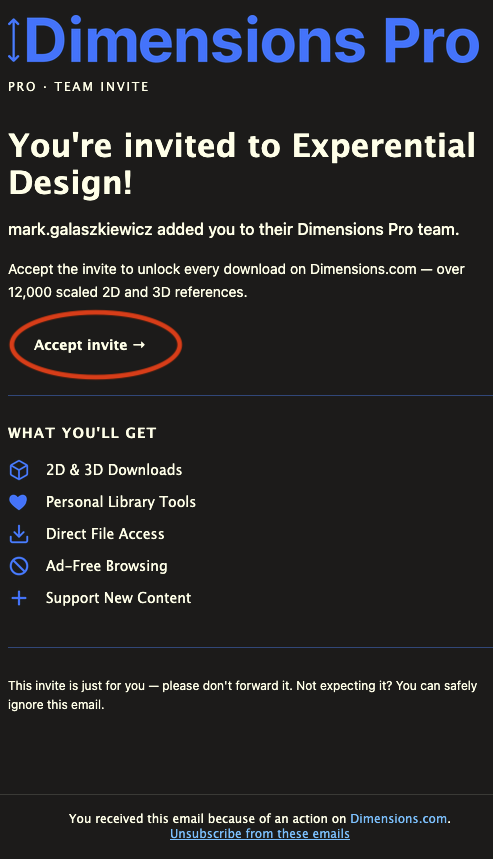
- Open your Sheridan email account and find the email from noreply@notify.console.dimensions.com with the subject: "mark.galaszkiewicz invited you to Experential Design on Dimensions Pro"

Step 2:
- In the email, click on "Accept invite" link
Step 3:
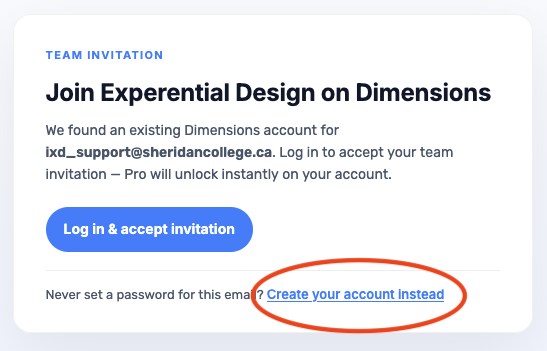
- First Years and new dimensions users must click on "Create your account instead"
- ONLY If you had an account with your Sheridan College email address from a previous year, click "Log in & accept invitation"
Step 4:
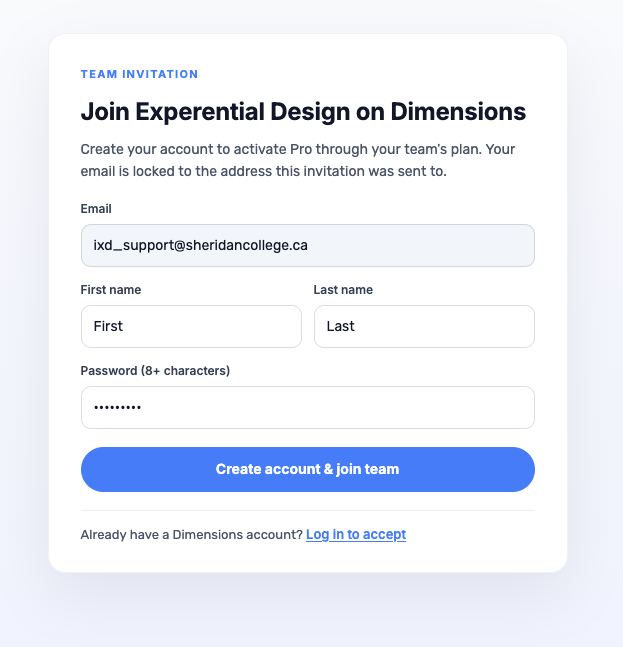
- New users set your name and password, then click "Create account & join team"
Step 5:
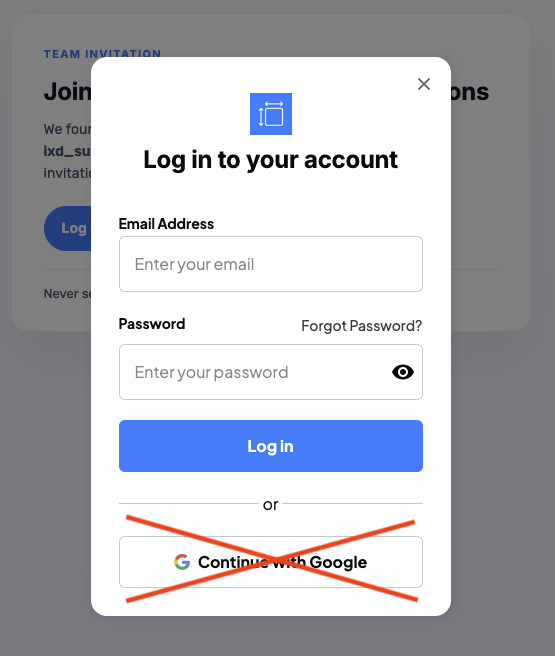
- ONLY If you had an account from a previous year, use your Sheridan email address to login. If you don't remember your password for your Sheridan College email address account, then press the "Forgot Password?" link
- DON'T press "Continue with Google"
Accessing Dimensions
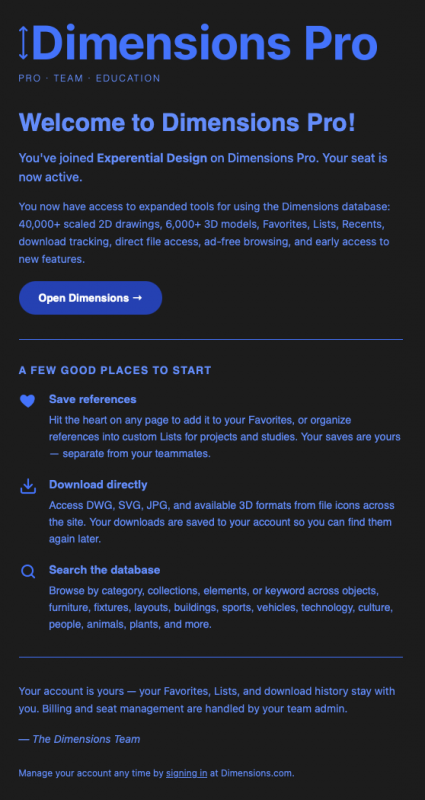
Once you have successfully accepted the invite, you will receive an email welcoming you to Dimensions Pro that within it has a link to "Open Dimensions"